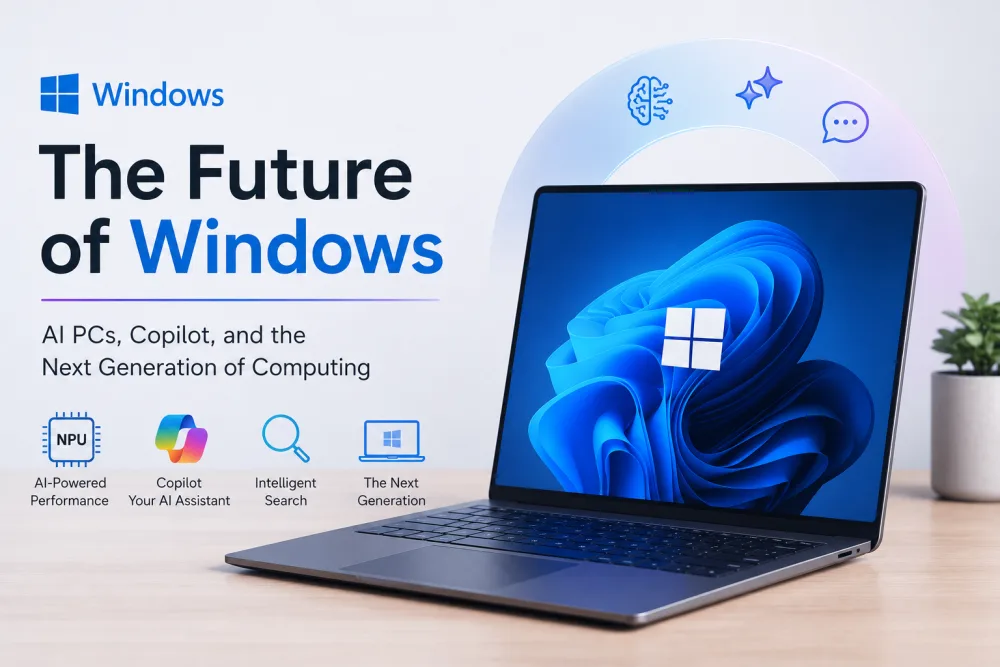
Microsoft is working to make Windows more powerful for the next generation of artificial intelligence. In its October 7, 2026, announcement, the company introduced its vision for Windows hybrid intelligence, which combines AI running directly on a PC with cloud-based services.
The goal is simple: help users complete tasks faster, improve privacy and security, and reduce the cost of running AI models. Microsoft also announced new tools for developers, improved support for AI agents, and a new range of powerful PCs designed for advanced AI workloads.
What Is Windows Hybrid Intelligence?
Windows hybrid intelligence allows AI tasks to run either locally on a computer or in the cloud, depending on what works best for each task.
Local AI can help reduce cloud usage and provide a more direct experience. Cloud AI can offer access to powerful models when a task requires more computing resources. By combining both options, Microsoft wants to make advanced AI more practical for everyday users and businesses.
This approach could also help organizations manage AI costs while maintaining access to advanced features.
Microsoft Adds Security for AI Agents
AI agents can do more than answer questions. They may access files, use tools, write code, and complete tasks automatically. These abilities also create security risks if agents receive too much access.
Microsoft Execution Containers (MXC) are designed to address this problem. Now generally available for Windows 11, MXC lets organizations control which files and networks an AI agent can access.
The system focuses on three main areas: containment, identity, and management. These features help businesses limit access, identify which agent performed an action, and apply security policies across their systems.
Several AI tools support MXC, including GitHub Copilot, OpenAI Codex, Replit, LM Studio, and OpenClaw. More integrations are also planned.
Local AI vs Cloud AI: What Is the Difference?
| Feature | Local AI | Cloud AI |
|---|---|---|
| Where it runs | Directly on your PC | On remote servers |
| Internet needs | Can work offline for supported tasks | Usually requires internet access |
| Computing power | Depends on your hardware | Can use powerful server resources |
| Cloud usage costs | Can reduce cloud usage | May involve service or usage fees |
| Best use | Supported tasks needing local processing | Tasks requiring larger models or more computing power |
Windows hybrid intelligence aims to combine these advantages rather than force users to choose only one option.
Powerful AI Models Coming to Windows PCs
Microsoft is bringing advanced AI models to local computers through hardware and software improvements. One example is MAI Code 1.1 Flash, a model designed for coding tasks. Microsoft says its optimized version uses 3-bit precision to reduce model size by nearly 80% while supporting a 256K context window locally.
The company also highlighted upcoming models from NVIDIA and DeepSeek for capable systems, including RTX Spark-powered devices.
Microsoft is expanding its hardware options too. The Surface Laptop Ultra is available for pre-order, alongside new devices from ASUS, Dell, HP, Lenovo, and MSI, according to the announcement.
What This Means for Windows Users
Windows hybrid intelligence could make AI tools more useful for coding, productivity, and everyday computer tasks. Microsoft also plans to expand Copilot’s ability to use local PC context and take actions with user permission.
Overall, Microsoft’s strategy combines local processing, cloud intelligence, and stronger security controls. As compatible hardware and AI tools improve, Windows PCs could become more capable assistants for both personal and professional work.
Suggested internal links: Link relevant phrases to your existing articles about Windows 11 updates, Microsoft Copilot features, AI PCs, and the latest NVIDIA AI hardware.