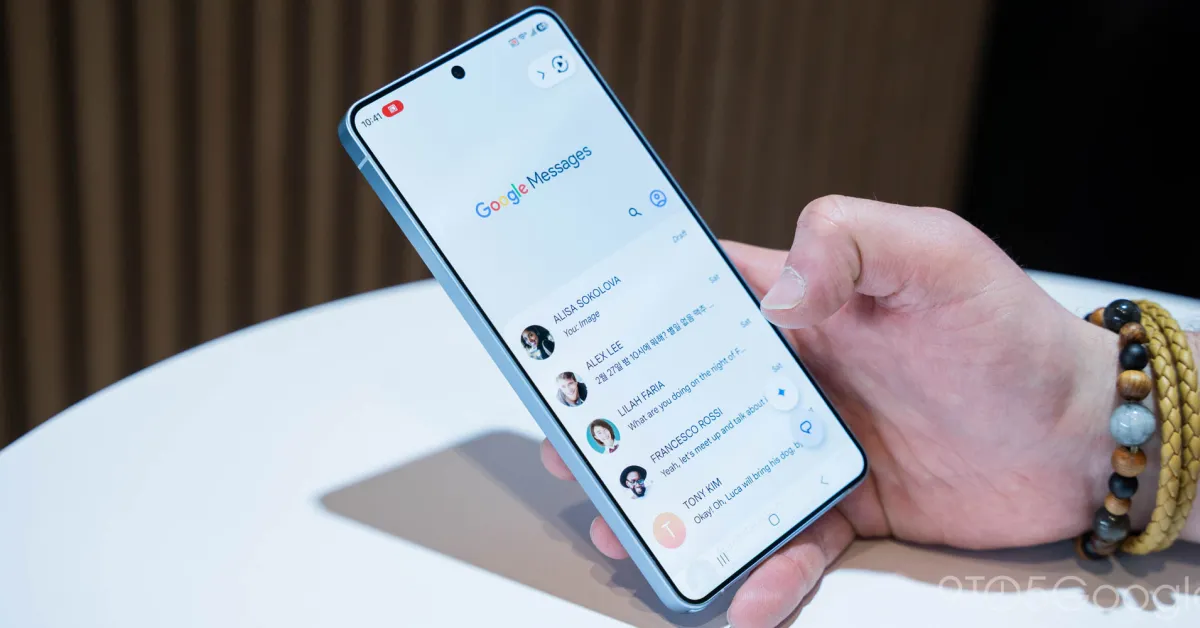
Google Messages is finally making one of its small but useful interface changes available to more Android users. The Google Messages long-press menu is now rolling out more widely to stable users after first appearing for beta testers.
The redesigned menu makes common message actions easier to reach. It also brings selective text copying, which can be useful when you only need a small part of a longer message.
A More Convenient Long-Press Menu
For a long time, long-pressing a message in Google Messages would place the available actions in a toolbar at the top of the screen. That worked, but it was not always comfortable, especially on phones with larger displays.
The new design takes a different approach. Instead of sending the controls to the top, Google places a floating menu closer to the selected message. This makes the buttons easier to reach with one hand.
The menu can include familiar options such as Reply, Forward, Copy, Star, Delete, Select more, and Info. When dealing with photos, additional options such as Save or Remix can also appear.
Selective Text Copying Is Also Arriving
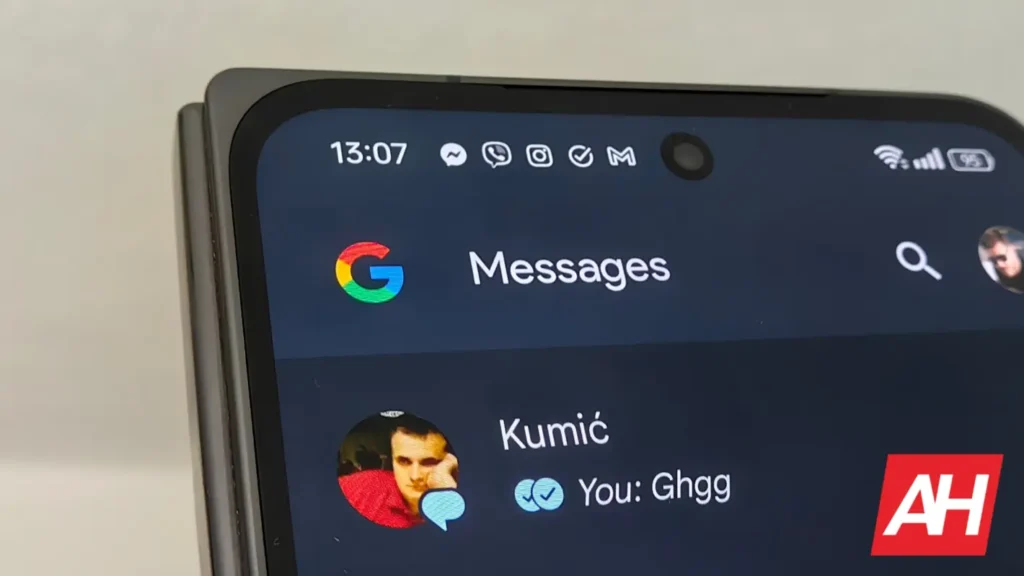
Another useful part of the update is selective text copying.
Previously, copying a message could mean taking the entire text even when you only needed one small section. With the new option, users can long-press the message and select only the words they need.
For example, if someone sends a long message containing an address, verification code, or sentence, you can select that specific portion instead of copying everything.
| Feature | Older Google Messages Menu | New Menu |
|---|---|---|
| Message actions | Top toolbar | Floating menu |
| One-handed access | Less convenient | Easier |
| Copying text | Full message | Specific text can be selected |
| Photo actions | Available | More accessible |
| Stable rollout | Older design | New design rolling out |
The Rollout Is Still Server-Side
The updated Google Messages long-press menu was already appearing for beta users in August. However, its availability was inconsistent because Google appeared to be controlling the rollout from the server side.
Now, stable users are beginning to see the feature as well. Reports suggest that it is not limited to Google’s Pixel phones. Users with devices such as the Samsung Galaxy S23 Plus and Galaxy S25 Ultra have also reported seeing the redesigned interface.
That means the feature is reaching a wider range of Android phones, although it may still take some time before everyone gets it.
A Small Update That Makes a Difference

The new menu is not a major feature that changes how Google Messages works. Instead, it improves something users may do several times every day.
Moving common actions closer to the message makes the interface more comfortable, while selective copying saves a few extra steps when dealing with longer messages.
If you do not see the redesigned menu yet, there may be nothing wrong with your phone or app. Since the rollout appears to be server-controlled, the feature could simply arrive on your account later.
For Google Messages users, this is a small change, but one that could make everyday messaging noticeably easier.