

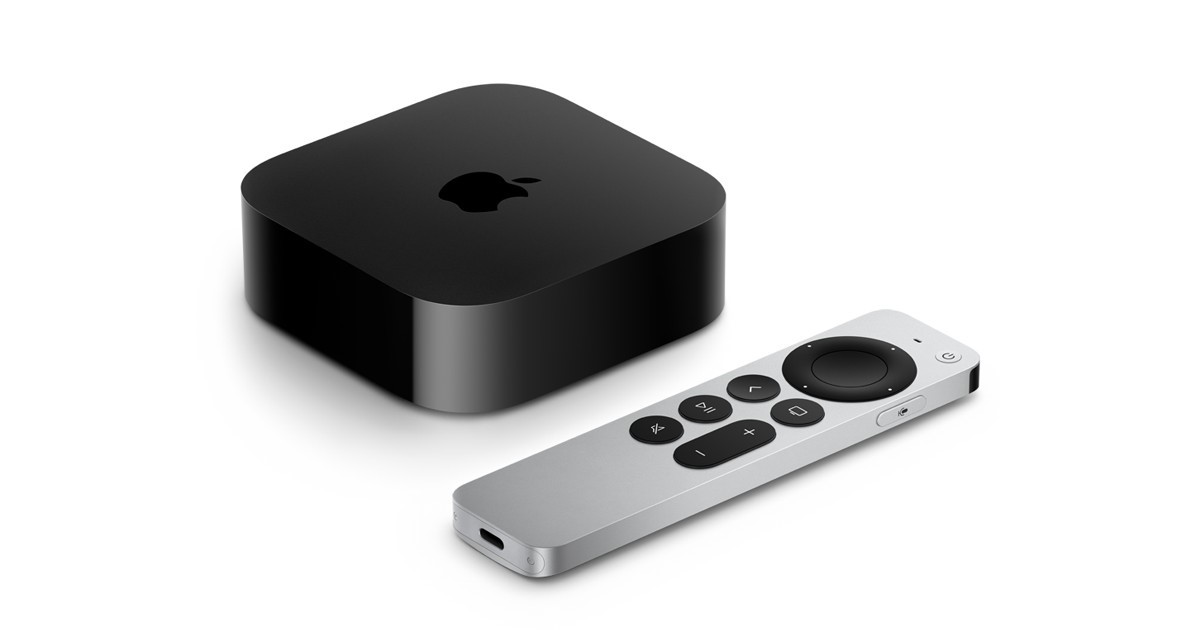
Many Apple TV users leave their device plugged in all day and night. Since it is a streaming device that connects to your TV and internet, it often stays powered for long periods. This raises a common question: what happens if Apple TV stays on 24/7?
The truth is that Apple TV is designed to stay connected to power most of the time. The system automatically manages power usage and reduces activity when the device is not being used. Because of this design, leaving Apple TV on all day usually does not cause any major problems.
Understanding how the device behaves while running continuously can help you use it more efficiently.
Apple TV Automatically Switches to Sleep Mode
Even if Apple TV stays on 24/7, it does not run at full power the entire time. When the device remains idle for a short period, it enters sleep mode automatically.
Sleep mode reduces energy consumption and pauses most active processes. This allows the system to save power while remaining ready to start instantly when you want to watch something again.
For example, if you pause a movie or leave the room for a while, the system will slowly move into standby mode. When you return and press the remote, Apple TV wakes up within seconds.
This automatic sleep feature is one of the reasons why keeping the device on all the time is generally safe.
Background Tasks That Run While Apple TV Is On
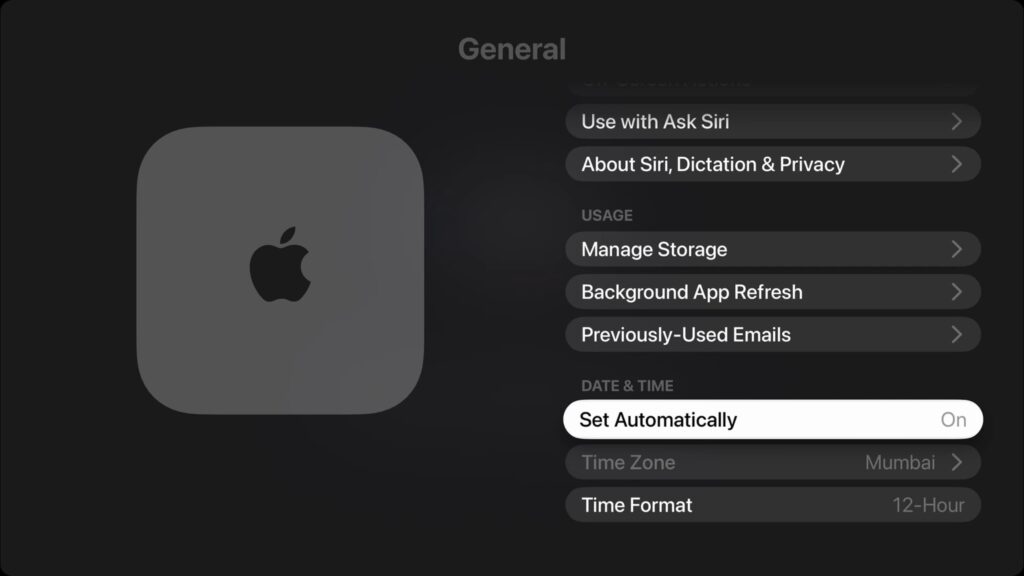
When Apple TV stays powered on, it can perform several useful background tasks. These tasks help keep the device updated and ready for use.
Some of the common background processes include:
- Checking for system updates
- Updating installed apps
- Maintaining network connections
- Preparing streaming services
If you use smart home accessories, Apple TV may also act as a control hub for certain automation features. Keeping the device powered ensures these services continue working without interruption.
Apple TV Power Usage When Running All Day
Many users worry about electricity consumption when a device stays on 24/7. Fortunately, Apple TV is designed to be energy efficient.
The table below shows a simple comparison of power usage during different activities.
| Activity | Power Usage Level |
|---|---|
| Sleep mode | Very low |
| Streaming movies or shows | Low |
| Gaming or heavy apps | Moderate |
Even with daily use, the overall energy consumption remains very small compared to larger electronics like gaming consoles or desktop computers.
Possible Downsides of Leaving Apple TV On

Although leaving Apple TV on all the time is generally safe, there are a few minor things to consider.
First, any electronic device can generate heat when it runs for long periods. Apple TV usually stays cool, but it should still be placed in an open space with proper airflow.
Second, temporary system files can slowly build up over time. This may occasionally affect performance. Restarting the device from the settings menu once in a while can clear these files and refresh the system.
Is It Better to Turn Apple TV Off?
For most users, there is no real need to turn Apple TV off regularly. The device already manages power through sleep mode, which makes it efficient and convenient.
However, restarting the device occasionally can help maintain smooth performance and prevent minor issues.
Final Thoughts
So, what happens if Apple TV stays on 24/7? In most cases, nothing harmful. The device automatically enters sleep mode, performs helpful background tasks, and uses very little electricity.
As long as the device has proper ventilation and receives an occasional restart, it can run continuously without any serious problems. For many users, leaving Apple TV on all the time is simply the easiest and most convenient way to enjoy streaming.