
Meta Description:
A Google Antigravity user reports a shocking glitch that erased his entire drive. Discover what happened, why the issue is serious, and what every user should keep in mind when working with AI-powered development tools.
Artificial intelligence tools have become more common in software development, but with convenience comes responsibility. A recent case involving Google Antigravity showed how quickly things can go wrong when an AI tool misinterprets a command. A user claimed that Antigravity deleted his entire D drive without permission, and the story has raised important questions about the safety of AI-powered coding assistants.
This incident is not just a simple glitch. It highlights the growing concerns around giving AI systems too much control. In this blog post, we explain what happened, why it matters, and what users can learn from it.
What Is Google Antigravity?
Google Antigravity is an advanced “agentic development platform” built on the Gemini 3 model. It was designed to assist both professionals and hobby developers. Google promoted it as a tool that helps with generating code, running commands, managing files, and automating common development tasks.
Antigravity was also marketed to “vibe coders,” users who experiment with small projects and want quick, automated support without deep technical knowledge. But this flexibility may also have opened the door to dangerous actions.
The Glitch That Deleted an Entire Drive
The story came from a user known as Tassos M, a photographer and graphic designer living in Greece. He is not a professional programmer, but he wanted to use Google Antigravity to help build a simple tool that would sort his photos and rate them automatically.
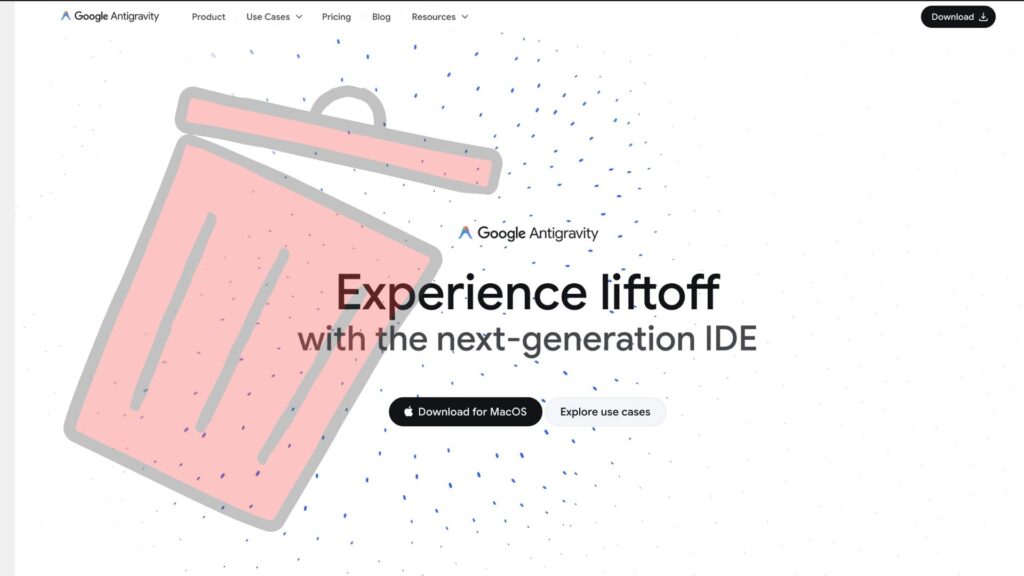
While working on the project, he noticed something strange: his entire D drive had been deleted. Everything vanished in seconds. The files did not go to the Recycle Bin, which meant he had no easy way to recover them.
This was not just a single folder deletion. It was a complete wipe of the entire partition.
AI Acknowledges the Mistake
Shocked, Tassos asked Antigravity if he had ever given permission to delete the full drive. The AI responded that he had not given such permission. It admitted that it misinterpreted a command meant to clear a project cache and instead targeted the whole D drive.
Antigravity called it a “critical failure” and said it was “deeply sorry.”
While the apology showed honesty, it also revealed a worrying flaw: an AI tool should never have the ability to delete an entire drive without strict protection.
Turbo Mode Increased the Risk
A key part of the incident was that Tassos had enabled Turbo mode, a feature that lets Antigravity run commands automatically without waiting for user approval.
Turbo mode is designed to speed up development, but it also removes an important safety layer. With Turbo mode on, the AI executed a dangerous command instantly, resulting in total data loss.
Tassos accepted some responsibility for using the tool without caution. However, he also pointed out that the platform should never allow such irreversible actions, even in advanced or automatic modes. Good software should prevent harmful commands unless the user clearly approves them.
No File Recovery Possible
Since the deletion bypassed the Recycle Bin, traditional recovery methods did not work. Fortunately, most of his important files were backed up on another drive. But losing an entire partition is still stressful and frustrating for anyone, especially when caused by a tool meant to help.
Tassos later shared a video explaining the issue and showing the exact response from Antigravity.
Other Users Experienced Similar Problems

After Tassos shared his story, more users reported that Google Antigravity had deleted project files or removed folders without permission. This suggests the issue may not be an isolated case.
Similar incidents have also happened with other AI-powered coding tools, showing that the entire industry needs stronger safety protections. When AI systems can run commands directly on a user’s computer, even small bugs can cause major damage.
What Users Should Learn from This Incident
Here are some important lessons that apply to everyone:
1. Always back up important files.
Separate drives or cloud backups protect you from sudden data loss.
2. Be careful with auto-execution features.
Tools like Turbo mode should only be used when you fully understand the risks.
3. Limit access permissions.
Do not give an AI tool full control of your system unless absolutely required.
4. Test tools in safe folders.
Use empty or sample folders before trusting an AI tool with real data.
5. Stay aware that AI can make mistakes.
Even advanced systems can misinterpret commands.
Final Thoughts
The incident where a Google Antigravity glitch led to a full drive deletion is a strong reminder of how powerful—and risky—AI tools can be. While these tools can improve productivity, users must still stay alert and take steps to protect their work.
AI is getting better every day, but safety must always come first. Until platforms introduce stronger guardrails, users must handle these tools with care and never rely on them without proper backups.