
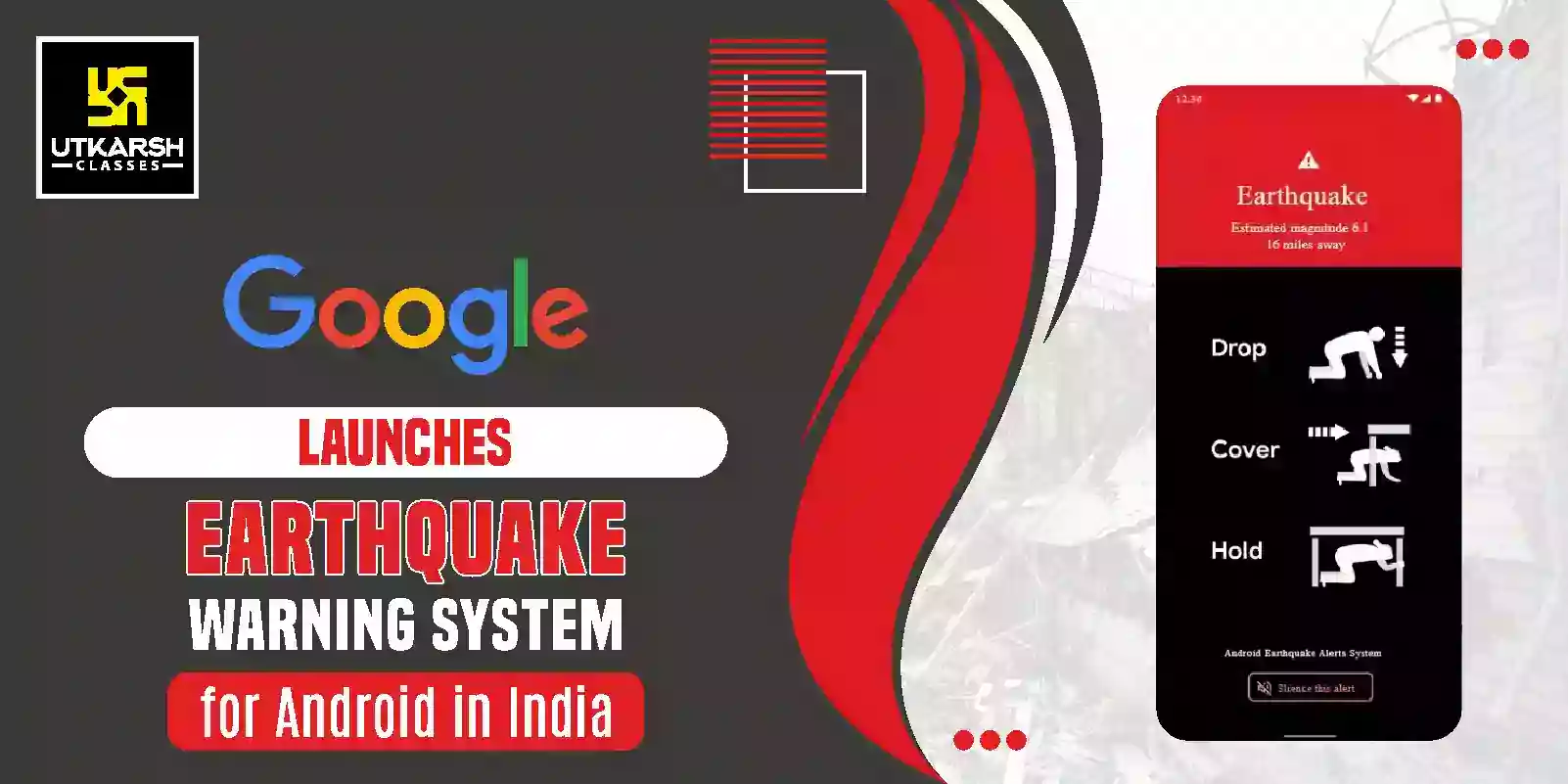
Your smartphone can do more than make calls, send messages, and run apps. It can also warn you about an earthquake before strong shaking reaches your location.
Google has expanded its Android Earthquake Alerts system from 98 countries and regions to more than 200. The feature uses data from Android smartphones to detect earthquake activity and send warnings to people nearby.
However, not every earthquake alert means the same thing. Android uses three different warning levels: Be Aware, Be Ready, and Take Action. Understanding these alerts can help you respond quickly instead of wasting time trying to figure out what your phone is telling you.
How Does the Android Earthquake Alert System Work?
Google uses the accelerometer sensors inside Android smartphones to detect possible earthquake activity. These sensors normally help your phone understand movement, such as when you rotate the screen.
When several nearby phones detect earthquake waves, Google’s system collects the information and estimates the earthquake’s location and strength. It can then send warnings to Android users in affected areas.
The system aims to deliver alerts before stronger earthquake waves arrive. Depending on your distance from the epicentre, you may receive a few seconds or even more time to prepare.
Understanding Android’s Three Earthquake Alerts
Each warning level has a different purpose. Here is what you should know about them.
1. Be Aware: A Warning for Light Shaking
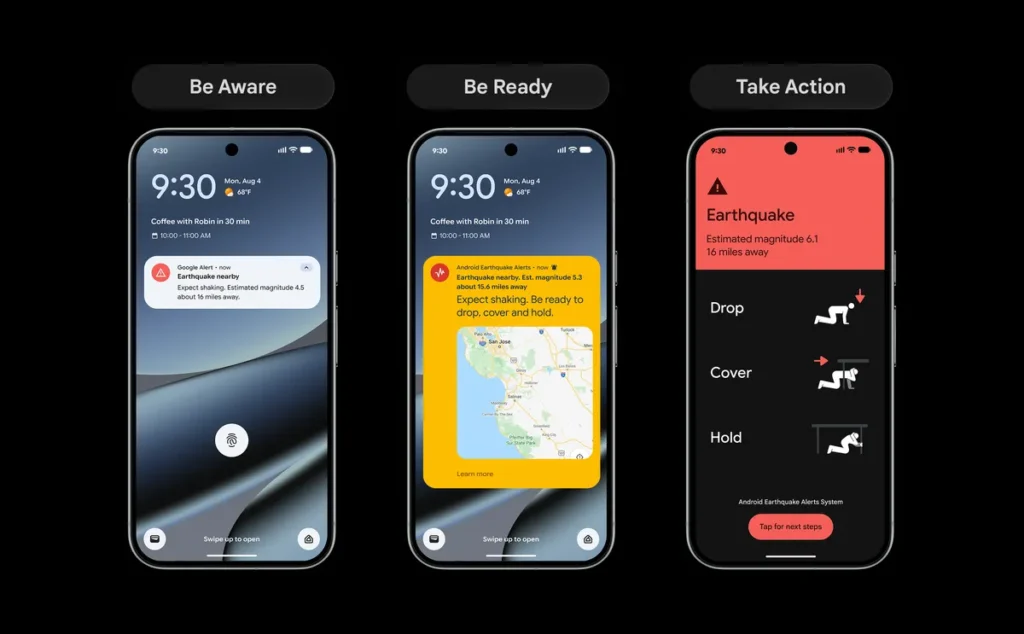
Be Aware is the lowest alert level. It is generally sent when an earthquake of magnitude 4.5 or greater is detected, but only light shaking is expected in your area.
You might notice windows rattling, dishes moving, or parked cars shaking slightly. Serious structural damage is unlikely.
This alert works like a normal phone notification. It follows your volume settings and Do Not Disturb mode.
2. Be Ready: Prepare for Stronger Shaking
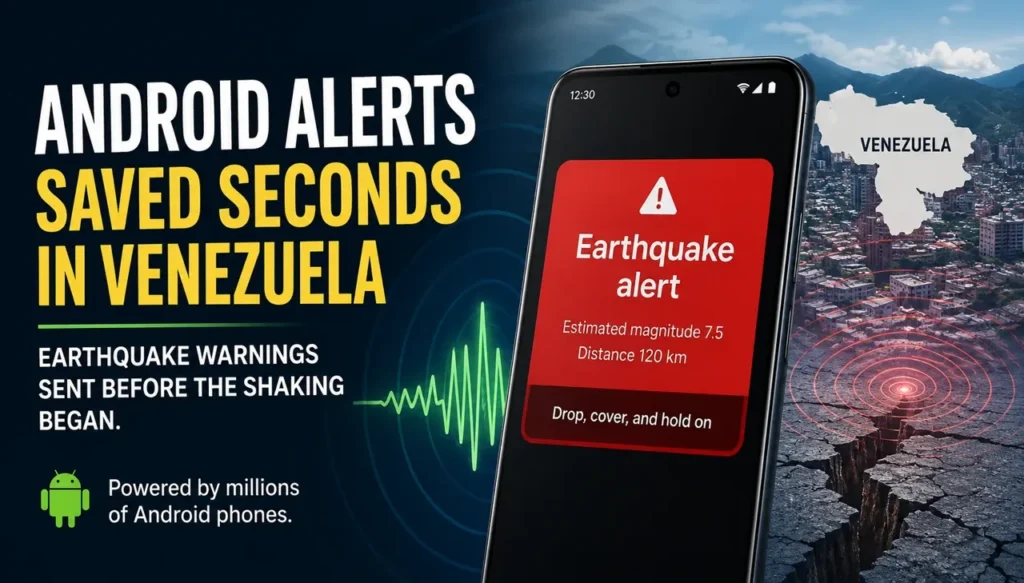
Be Ready is the middle warning level. It indicates a significant earthquake and suggests that stronger shaking may reach your location.
Unlike the basic alert, it can override Do Not Disturb to get your attention.
When you receive this warning, secure nearby objects and prepare to take cover. Google also plans to add more information, including a map of detected shaking and an estimated earthquake magnitude.
3. Take Action: Immediate Danger
Take Action is the highest alert level. Android sends it when strong shaking is expected, generally around MMI 5 or higher.
Your phone displays a bright red warning screen and plays a loud siren. It can override normal volume and Do Not Disturb settings.
The alert gives clear safety instructions: Drop, Cover, and Hold On.
Move down to your hands and knees, protect your head and neck under sturdy furniture, and hold on until the shaking stops.
Comparison of All Three Android Earthquake Alerts
| Alert Type | Expected Shaking | Phone Behaviour |
|---|---|---|
| Be Aware | Light shaking | Normal notification |
| Be Ready | Light to moderate shaking | Can override Do Not Disturb |
| Take Action | Strong shaking | Full-screen warning and loud siren |
How to Enable Android Earthquake Alerts
You should check your phone settings before an emergency happens.
Follow these steps:
- Open Settings on your Android phone.
- Select Safety and Emergency.
- Tap Earthquake Alerts.
- Turn on the feature if it is disabled.
- Look for the See a Demo option to understand how the warning works.
On some Android devices, the setting may be available under Location and Advanced settings.
Your phone also needs an internet connection and location services to receive local earthquake warnings.
Final Thoughts
Android Earthquake Alerts can provide valuable early warnings when an earthquake occurs. However, the feature cannot guarantee advance notice, especially if you are close to the earthquake’s epicentre.
Take a few minutes to check your settings and understand all three alert levels. Knowing what each warning means today could help you make a faster and safer decision during an emergency.