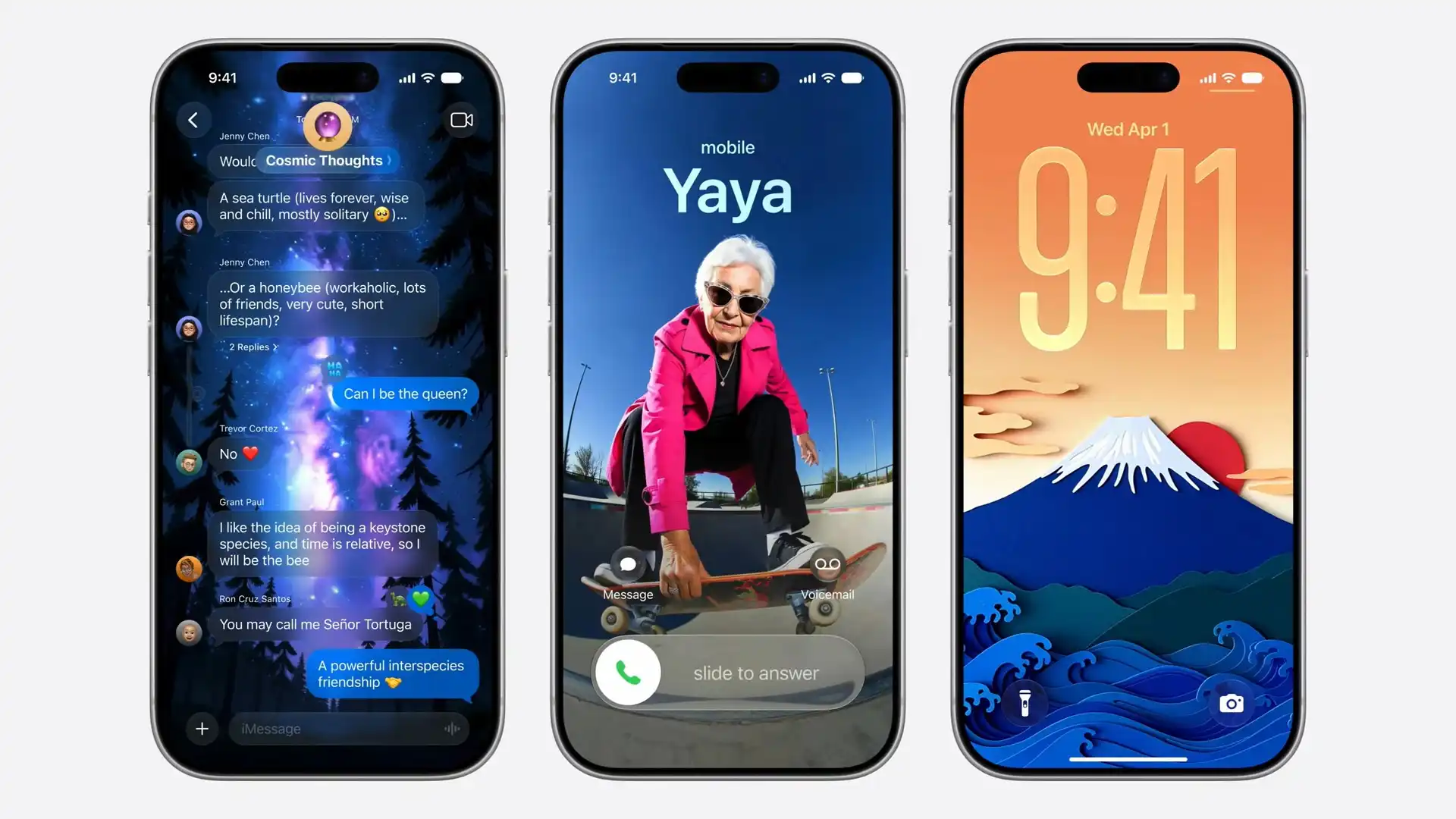
The iOS 27 home screen update brings a simple yet powerful improvement for iPhone users. Apple has been slowly improving customization options, and this update continues that effort by making the process smoother and more flexible.
If you like to arrange your apps and widgets in a clean and organized way, this update will make your experience much better.
What Is the iOS 27 Home Screen Update?
The iOS 27 home screen update focuses on making customization easier. The biggest addition is the Undo and Redo feature, which helps users quickly fix mistakes while editing their home screen.
When you press and hold the home screen, you will see the usual edit menu. This menu already allows you to:
- Add widgets
- Change layout
- Edit wallpaper
- Manage pages
With iOS 27, two new buttons will appear:
- Undo: Reverts your last action
- Redo: Restores the action you just removed
These options may seem basic, but they make a big difference in daily use.
Why This Update Is Important
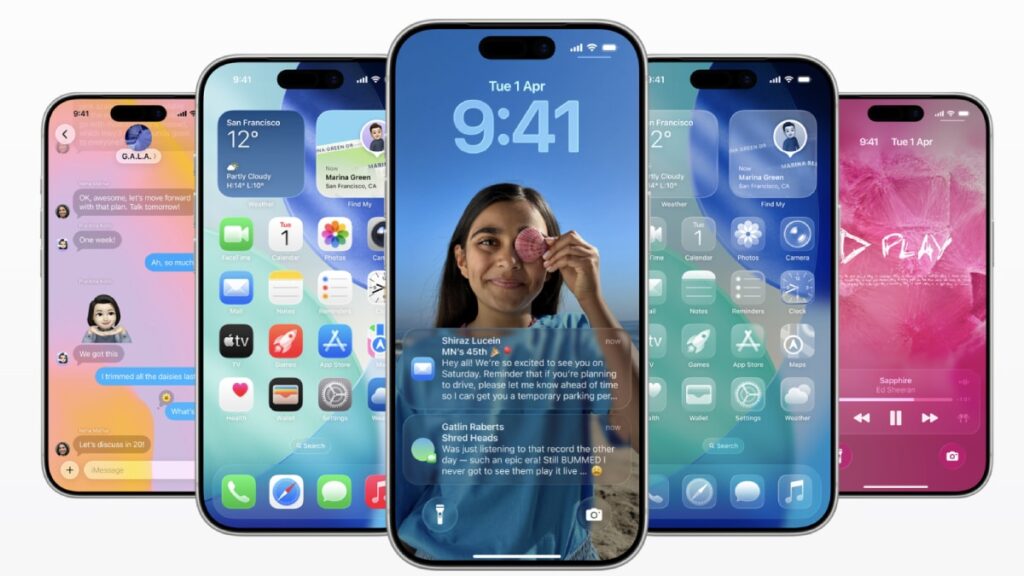
In earlier versions, making changes to the home screen could sometimes create problems. Moving one app or widget could affect the whole layout. Fixing it required manual effort and patience.
The iOS 27 home screen update solves this issue. Now, you can simply undo the change and go back to your previous layout. This saves time and reduces frustration.
It also allows users to try different designs without worrying about losing their current setup. You can switch between layouts easily and choose the one you like the most.
iOS 27 vs Older iOS Versions
Here is a quick comparison to show how the update improves the experience:
| Feature | Older iOS Versions | iOS 27 Update |
|---|---|---|
| Home screen editing | Manual | Easier control |
| Undo option | Not available | Available |
| Redo option | Not available | Available |
| Customization flexibility | Limited | High |
| Error correction | Time-consuming | Instant |
This table shows how iOS 27 focuses on making the user experience smoother and more efficient.
How It Improves Daily Use
The iOS 27 home screen update is helpful for both new and experienced users. Whether you like a simple layout or enjoy experimenting with widgets, this update gives you more control.
You can now:
- Fix mistakes instantly
- Try new layouts without risk
- Keep your home screen organized
If you often explore settings or customize your iPhone, you will notice the difference right away.
Other Expected Features in iOS 27
Along with the home screen update, iOS 27 is expected to include other improvements. These may include better performance, longer battery life, and smarter system features.
All these changes work together to improve the overall user experience.
Final Thoughts
The iOS 27 home screen update may not look like a big change, but it solves a common problem in a smart way. The addition of undo and redo features makes customization simple and stress-free.
For iPhone users, this update brings more freedom and control. It allows you to experiment with your home screen without worrying about mistakes.
Overall, iOS 27 continues to make the iPhone easier to use, while giving users better tools to personalize their devices.