Meta Description: iOS 26.2.1 is now available for iPhone users. Discover what’s included, why Apple skipped iOS 26.3, and whether you should update today.
iOS 26.2.1 Released: What iPhone Users Need to Know
Apple has quietly released iOS 26.2.1, catching many iPhone users off guard. Instead of the expected iOS 26.3 update, Apple chose to push a smaller release in January. This makes iOS 26.2.1 the only update available this month, and Apple is clearly encouraging users to install it without delay.
While it may look like a minor update at first glance, iOS 26.2.1 plays an important role in Apple’s broader software strategy.
Why iOS 26.2.1 Matters More Than It Looks
Back in December, Apple rolled out iOS 26.2, which fixed some of the most serious security flaws seen in recent months. These flaws were reportedly used in real-world attacks, making the update critical for user safety. At the same time, Apple made it clear that full protection would only be available on iOS 26.
Now, iOS 26.2.1 arrives as a follow-up. Interestingly, Apple has not listed any official security patches for this release. However, that does not mean the update is unnecessary. Apple often uses point updates like this to clean up system issues, improve performance, and reduce bugs that appear after major upgrades.
What’s Included in iOS 26.2.1
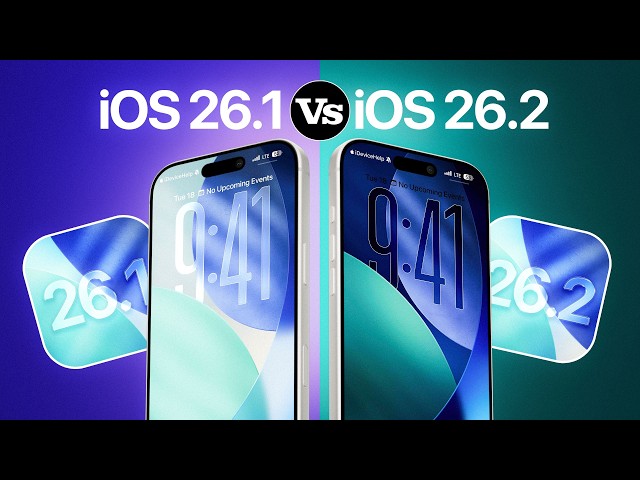
The main focus of iOS 26.2.1 is stability. Users can expect fixes for minor software issues that may affect everyday use. The update also adds support for Apple’s second-generation AirTag, ensuring better compatibility with newer accessories.
If your iPhone felt slightly unstable after updating to iOS 26, this release is designed to smooth things out. Many users delay updates because of early bugs, and iOS 26.2.1 aims to address those concerns.
iOS 26.2.1 Compared to Older iOS Versions
| Area | iOS 26.2.1 | Older iOS Versions |
|---|---|---|
| System Stability | Improved bug fixes | More unresolved issues |
| Device Support | New accessory support | Limited compatibility |
| Security Direction | Built for latest protections | Gradually outdated |
| Update Priority | Actively maintained | Slowly phased out |
This comparison shows why Apple continues to push users toward iOS 26.
Should You Update Your iPhone Now?
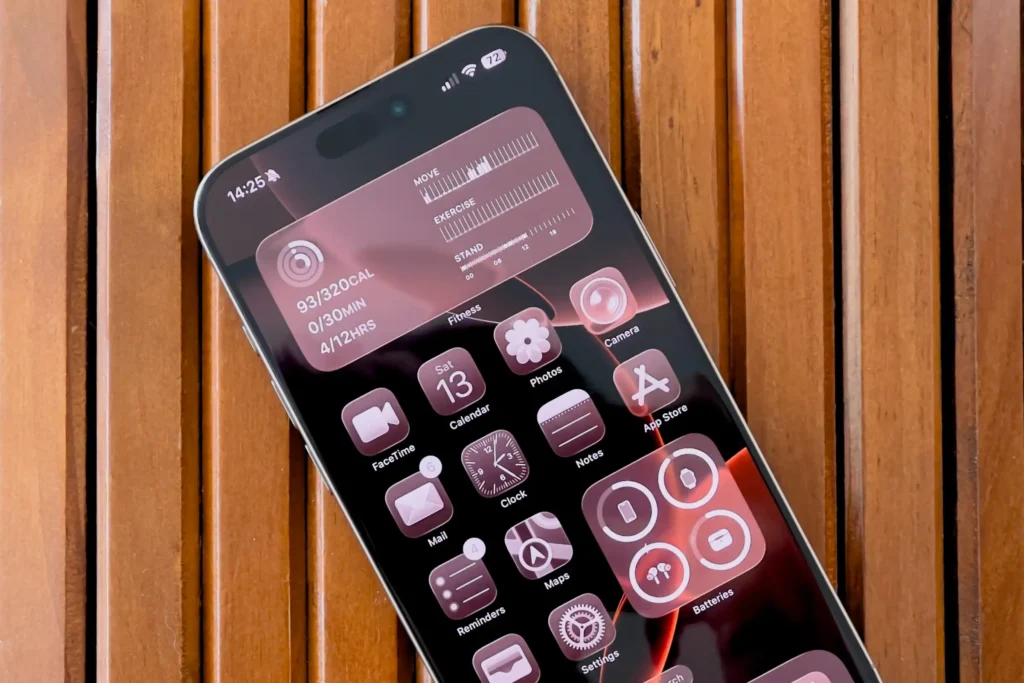
If your device supports iOS 26, updating to iOS 26.2.1 is recommended. Even without major new features, the update helps maintain smooth performance and reduces the risk of lingering bugs. For users still on older versions, Apple’s message is becoming clearer: future protection and improvements will focus on iOS 26.
As mentioned in our previous iOS update coverage, delaying major upgrades can leave devices behind when it comes to long-term reliability.
Final Verdict
iOS 26.2.1 is not about big changes or flashy additions. Instead, it focuses on keeping iPhones stable, compatible, and ready for what comes next. With no other January update planned, this release stands as Apple’s reminder that staying updated is essential.