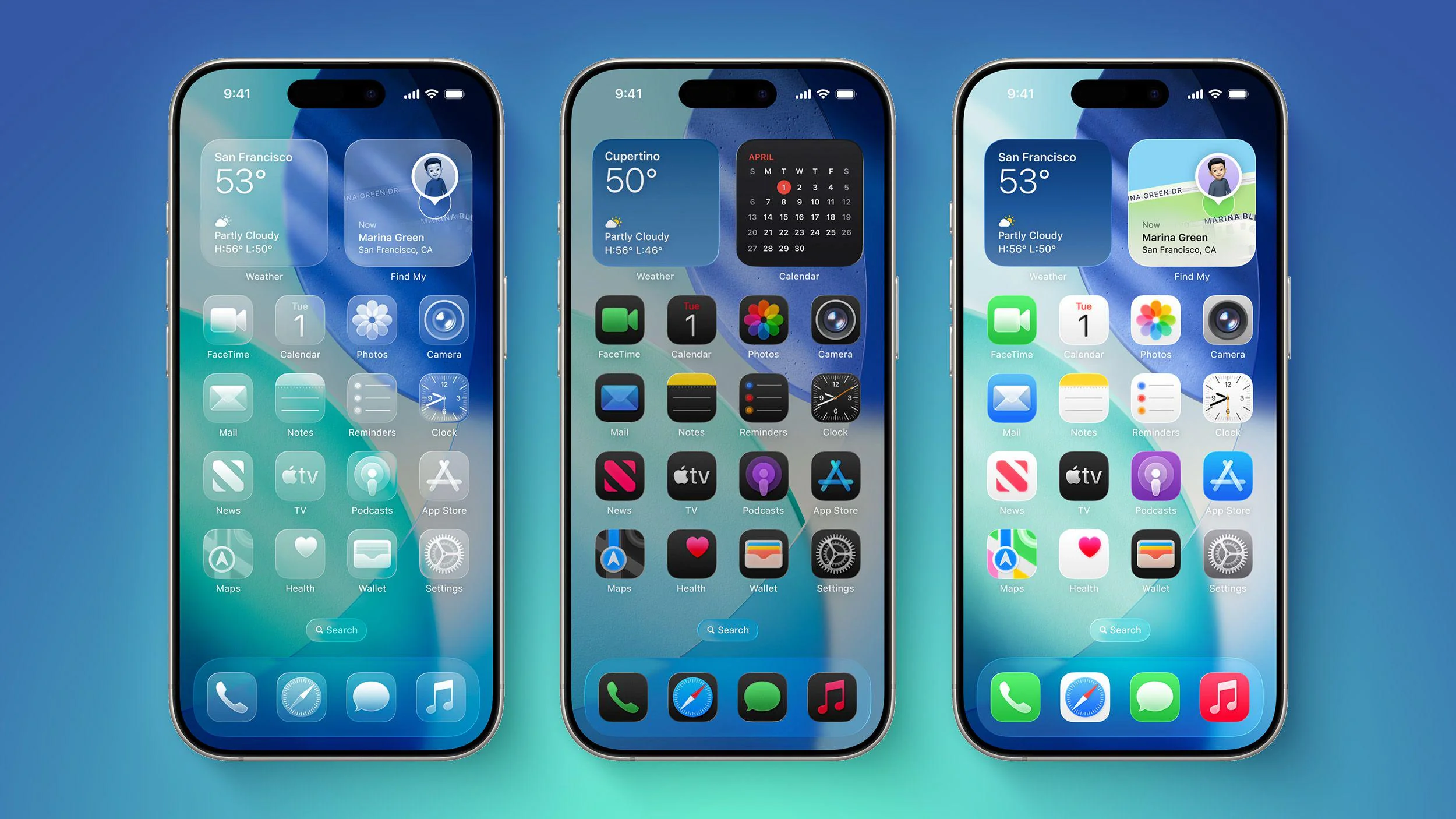
Apple’s iOS 26.2 update marks another step in refining the Liquid Glass design. After feedback from users who felt the new look was too hard to read, Apple is now giving people more control over how transparent their interface appears. The biggest change in this update focuses on the Lock Screen, where clarity matters the most.
Liquid Glass was introduced with iOS 26 as a modern design refresh. Interface elements like buttons, sliders, and notifications became semi-transparent, creating a glass-like effect. While the design looked sleek, it also caused issues for some users, especially when trying to read text quickly.
New Lock Screen Controls Improve Readability
With iOS 26.2, Apple adds a dedicated control for adjusting the transparency of the Lock Screen clock. Users can now reduce the glass effect and choose a more solid look if they prefer. This makes the time easier to see, even with busy wallpapers or bright lighting.
This change builds on iOS 26.1, which introduced a system-wide slider to reduce Liquid Glass transparency across the operating system. Instead of rolling back the design completely, Apple is now focusing on fine-tuned adjustments. The Lock Screen update shows that Apple is prioritizing everyday usability without removing the new visual style.
How Liquid Glass Is Being Refined
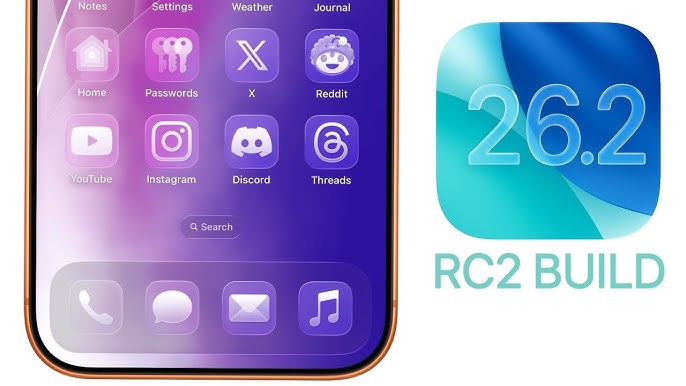
Apple’s approach to Liquid Glass has clearly evolved over the last few updates. The table below shows how the design has changed:
| iOS Version | Liquid Glass Control | Overall Effect |
|---|---|---|
| iOS 26 | Full transparency by default | Modern but harder to read |
| iOS 26.1 | System-wide opacity slider | Better balance of design and clarity |
| iOS 26.2 | Lock Screen clock control | Clearer and more customizable |
These updates suggest Apple is responding closely to how people actually use their devices.
More New Features in iOS 26.2
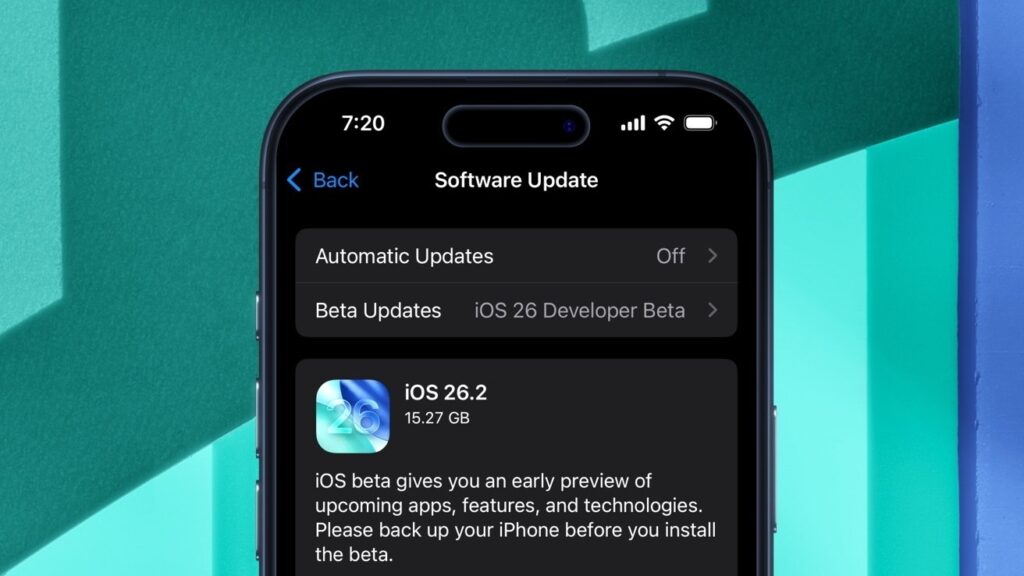
iOS 26.2 includes several other improvements beyond design changes. AirDrop now supports temporary sharing codes, making it easier to share files with people who are not saved in your contacts. This is useful in work settings or when sharing photos with new acquaintances.
The Reminders app now supports alarms, helping users stay on schedule. Apple News adds a new Following tab for smoother navigation. Apple Music introduces offline lyrics, while the Podcasts app gains AI-generated chapters and better ways to link to other shows.
Apple Watch users also benefit from a new Sleep Score feature that shows how well sleep goals are being met.
Security Updates Across Apple Devices
Alongside new features, Apple has released important security updates across iPhones, iPads, Macs, Apple TVs, and Apple Watches. These updates fix vulnerabilities that were actively being exploited, making this release an important one for all users.
For more insights on Apple software updates, you can explore our other coverage on recent iOS changes and Apple ecosystem improvements.
Final Thoughts
With iOS 26.2, Apple is clearly softening its Liquid Glass design without abandoning it. By offering more control over transparency, especially on the Lock Screen, Apple improves readability while keeping the modern look intact. This update shows a stronger focus on comfort, clarity, and user choice.